
Free forever · v1.1.0
Skagway
A Mac video organizer for the files already on your drives.
Browse, tag, filter, and play large collections — without locking media into a proprietary container. Built to stay fast with thousands of videos.
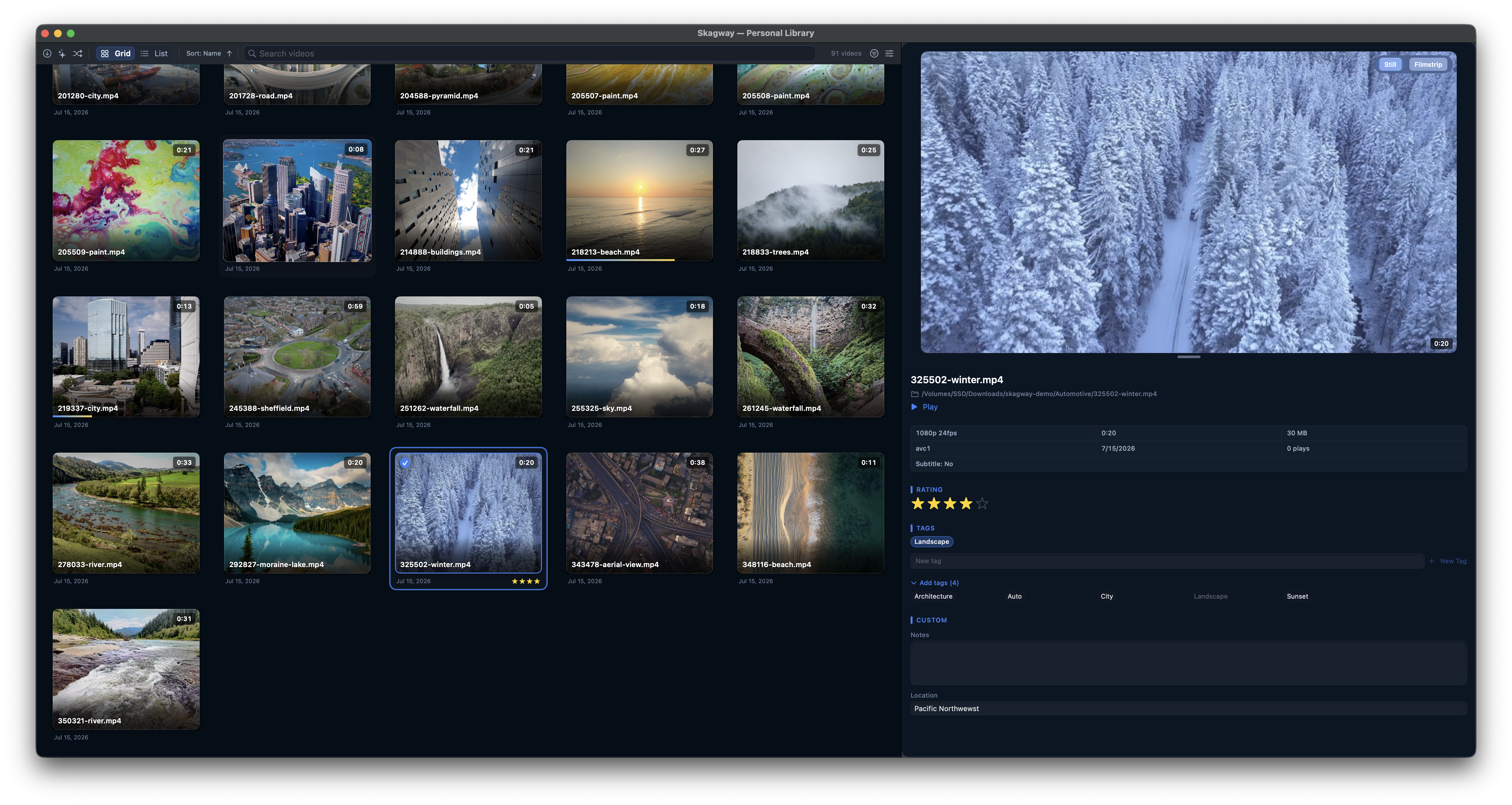
New in version 1.1.0
Review mode
Play through clips and mark keepers as you go. The row or card you're watching and the set you've collected are separate — moving on doesn't clear picks you already made.
List hover preview
List thumbnails get the same silent hover scrub Grid cards have. Handy when the still frame isn't enough to recognize a clip.
Previous releases
1.0.0
- Feature: First public release — organize local video libraries in Grid or List without moving files into a proprietary container.
- Feature: Search, Quick Filter, smart collections, albums, tags, ratings, and custom metadata.
- Feature: Inline and floating playback, Play All, bookmarks, bulk rename, and metadata export/import.
- Feature: Free forever; no telemetry by default.
Tuned for scale
Built to stay smooth with thousands of videos — long, short, tiny, and enormous files alike.
Keyboard-driven
Arrows, Space, Play All, and one consistent modifier scheme — triage without reaching for the mouse.
Private by default
No telemetry, no analytics, no account. Optional update checks stay off until you turn them on. None of your data ever leaves your computer.
Your folders, indexed — your files untouched
Point Skagway at the folders you already keep. It builds a fast catalog and thumbnails in the background — nothing moves into a proprietary container.
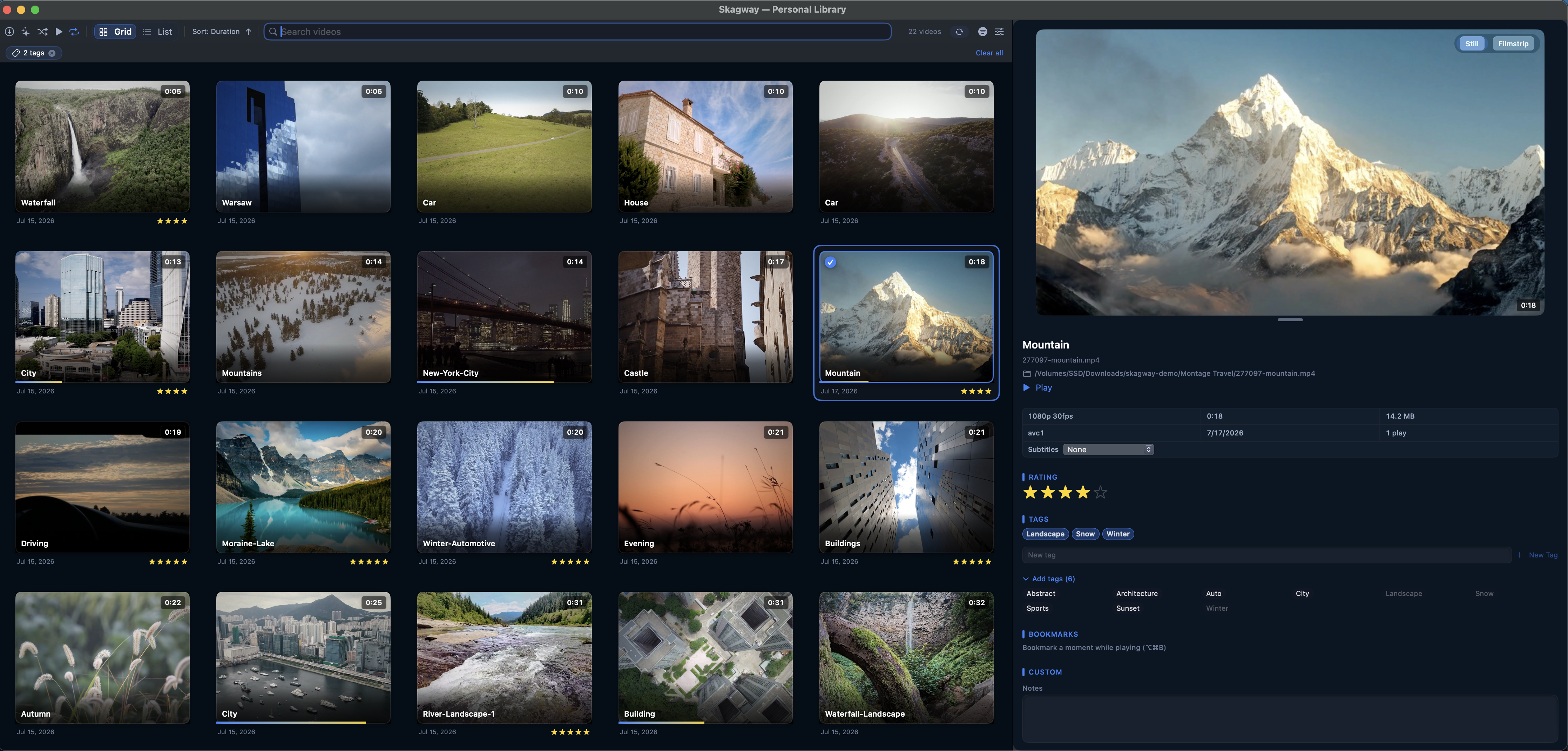
See inside without opening
Hover grid cards or List thumbnails for Live Preview, or open the filmstrip and jump to any frame. Scrub the collection without committing to a full play.
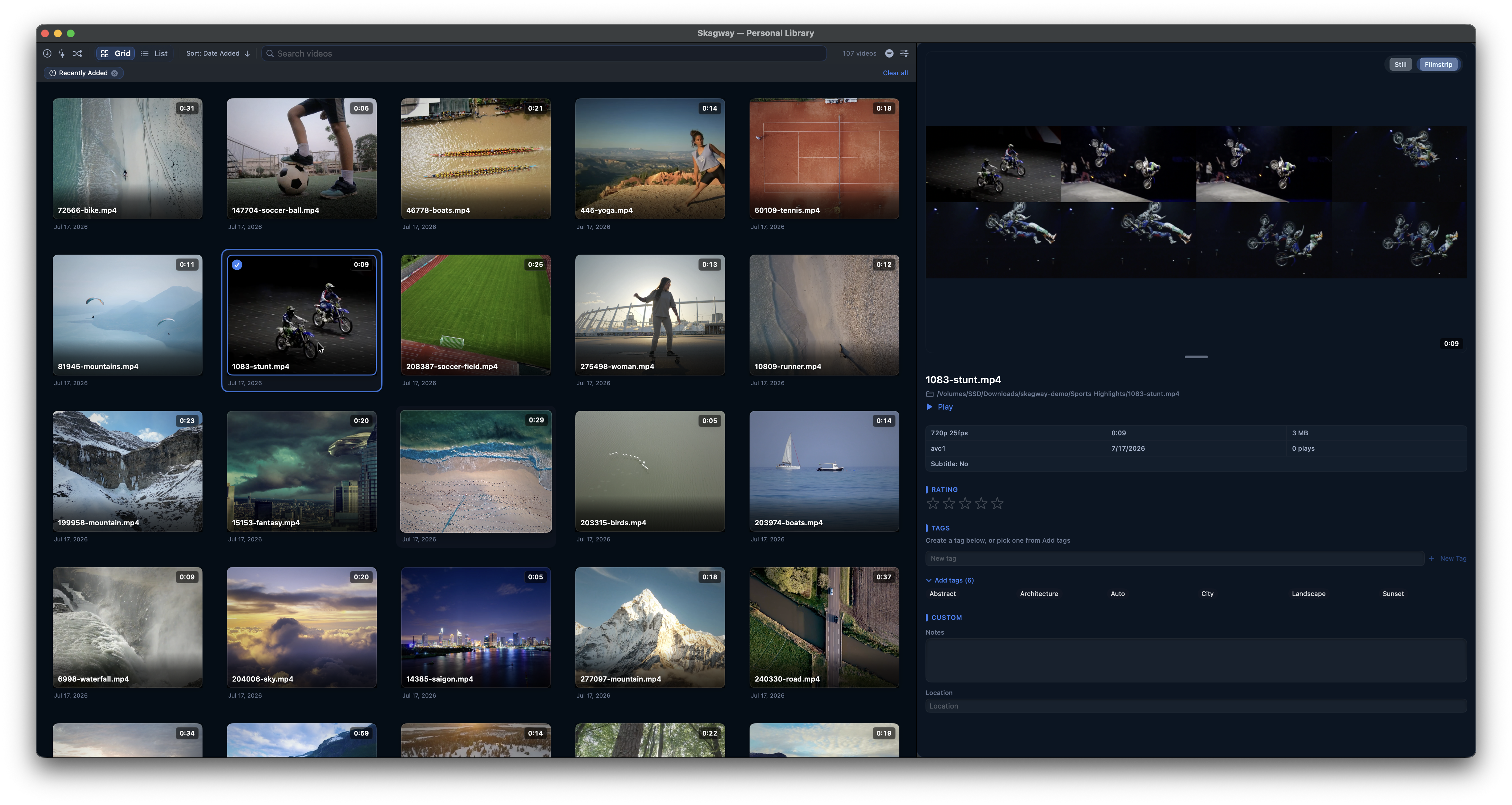
Find anything in seconds
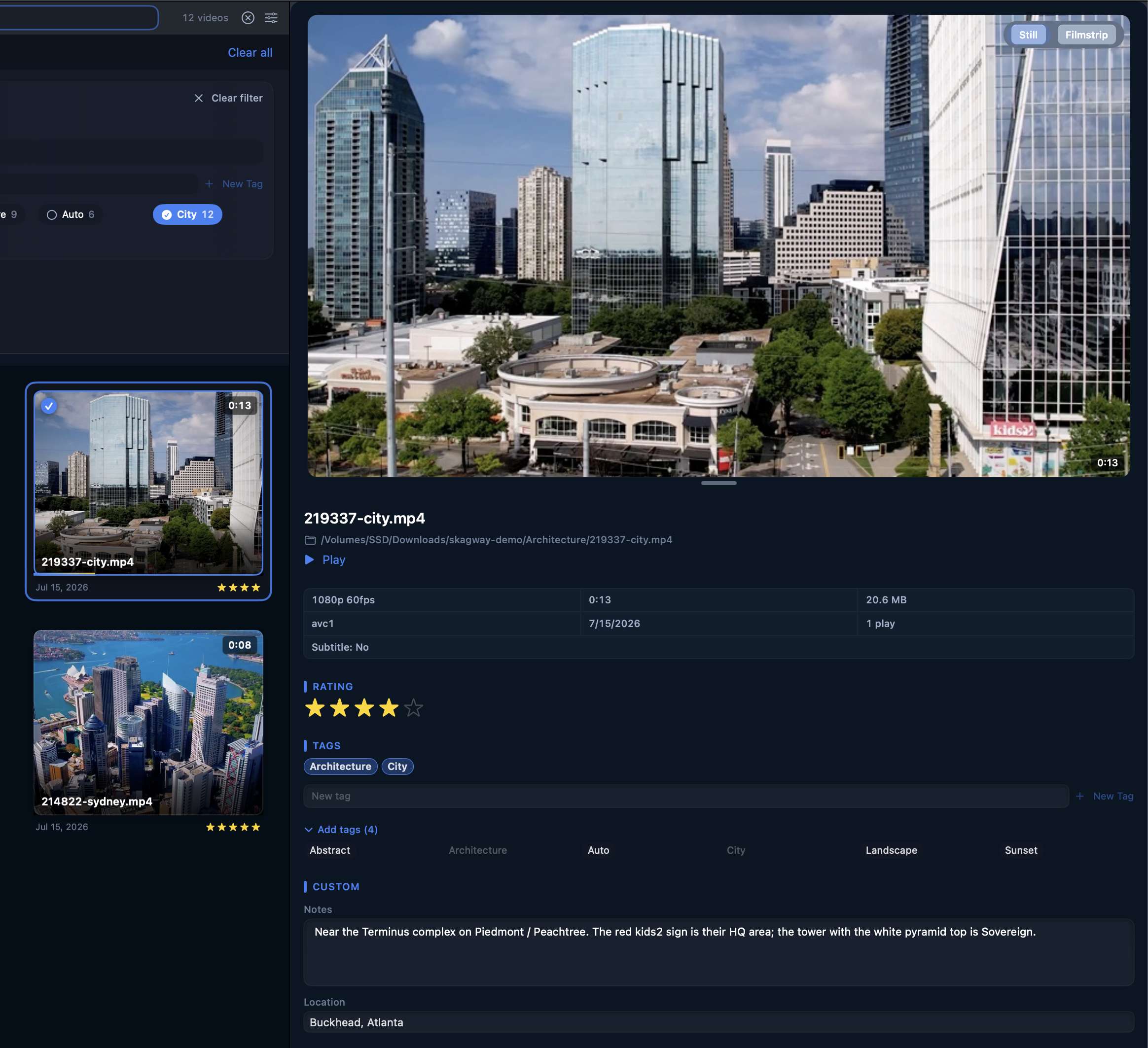
Search titles, names, tags, and custom fields. Quick Filter and Advanced Filter narrow by rating, duration, quality, and rules you can save as smart collections.
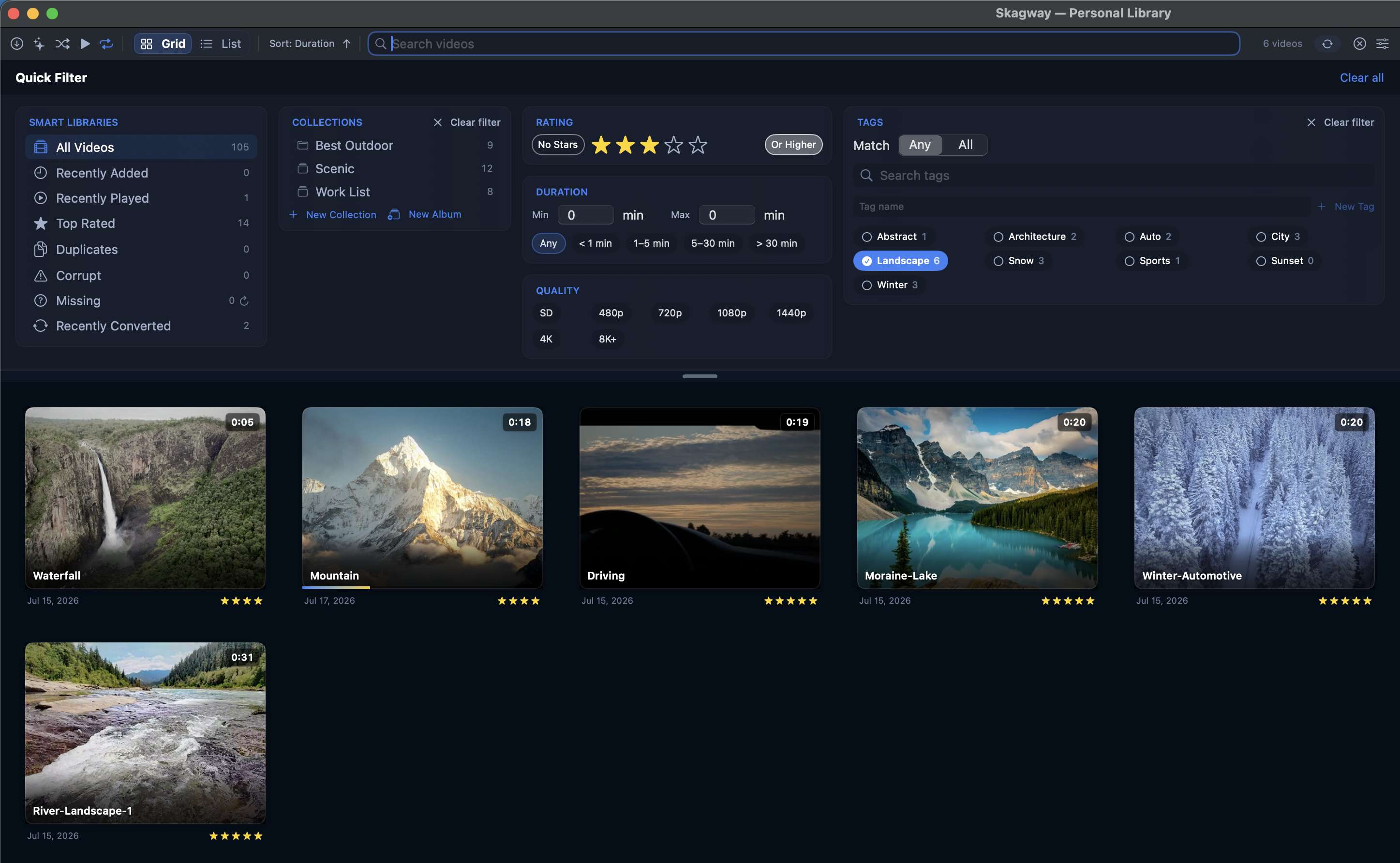
Rate, tag, collect
Inspector metadata for one video or fifty. Smart collections stay current on their own; albums are hand-picked playlists with Album Order and Play All.
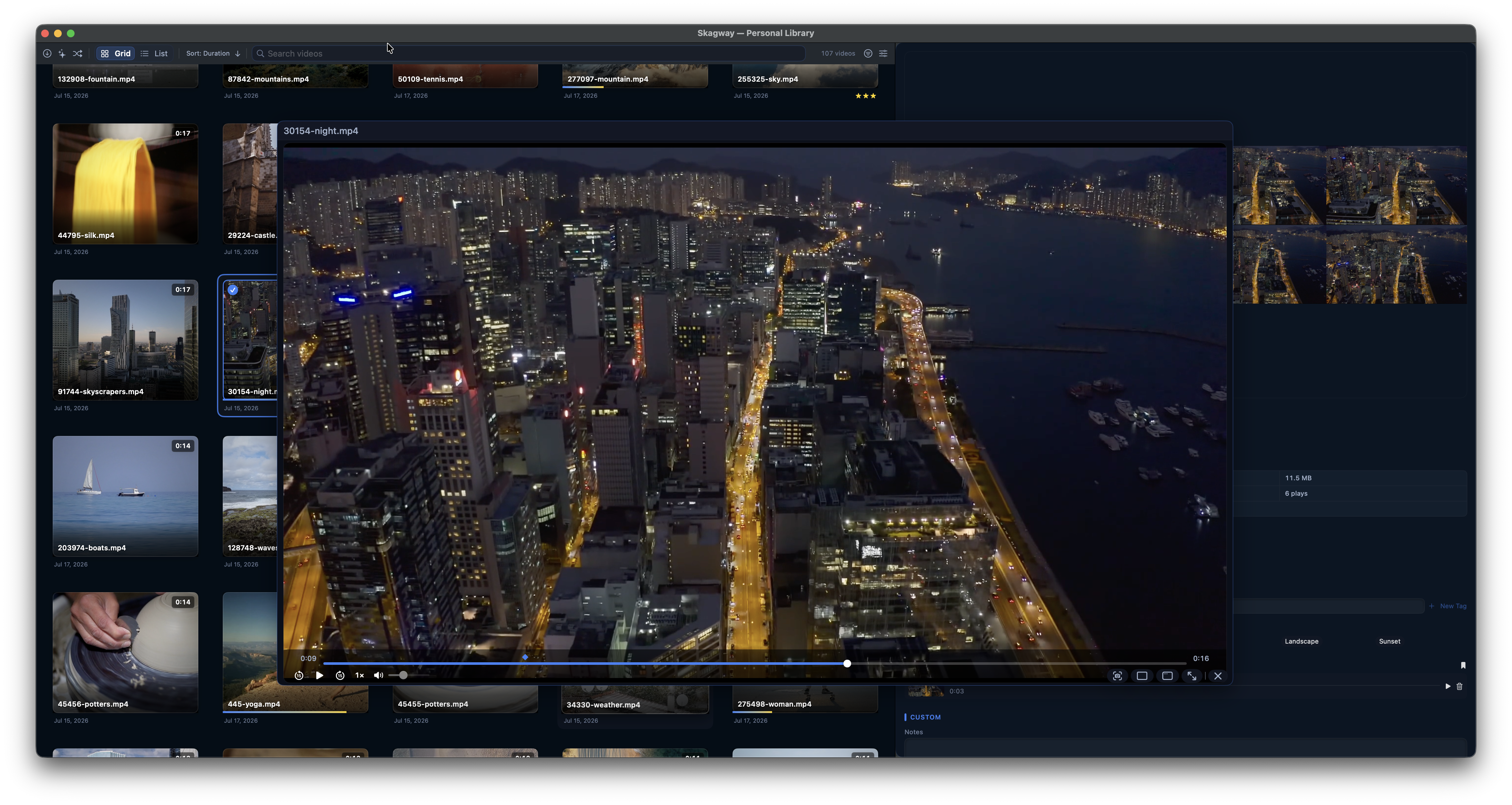
A player that stays out of the way
Floating player in three sizes: compact, full screen and custom — resume where you left off, Play All through the current view, and bookmarks with stills for any moment worth returning to.
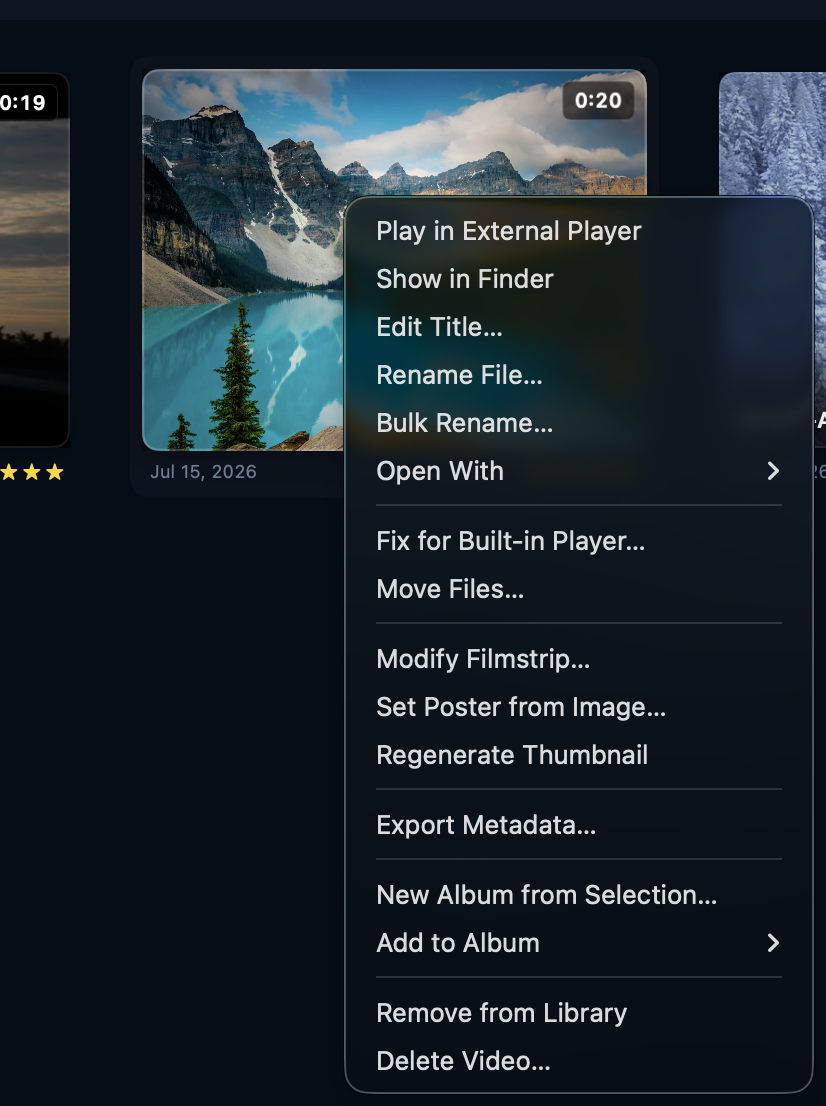
Real file tools, portable data
Bulk rename, cross-volume moves, Fix for Built-in Player…, and metadata export/import. Queues survive quitting. Your library is one file you can copy anytime.
FAQ
Why isn’t Skagway on the Mac App Store?
Is Skagway really free?
Does Skagway send my library or viewing data anywhere?
Does Skagway move or copy my video files?
Do I need ffmpeg to use Skagway?
Free forever. Really.
The full app — every feature above. No trial, no paywall, no limits. No phone-home telemetry by default. Serious software, yours forever.